OpenTipJar Blog • How-to
How a Hotel Management Group Sets Up OpenTipJar Across Multiple Properties
By OpenTipJar •
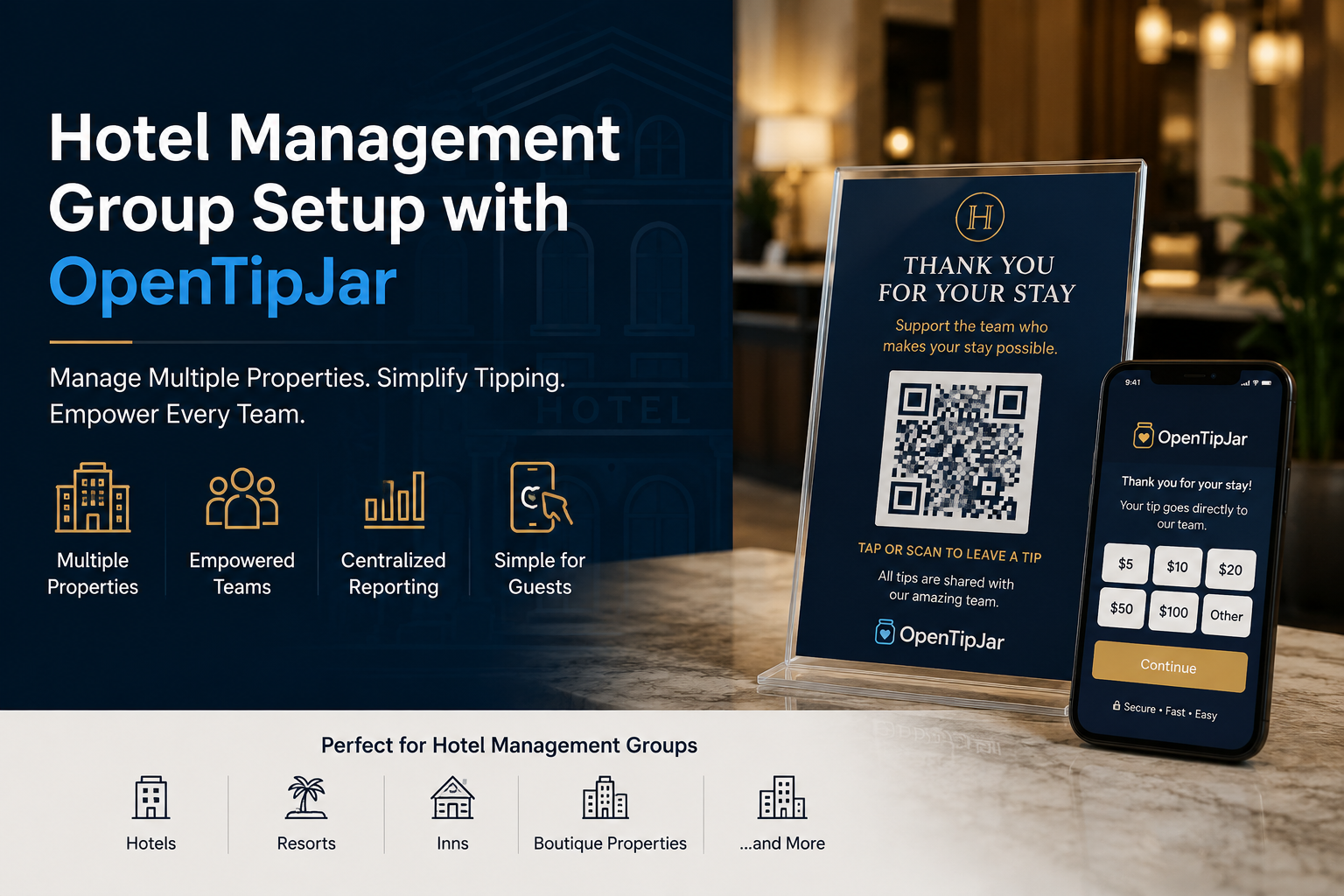
Imagine this: your company manages three hotels. Each property has about 50 guest rooms and a staff of 15–20 people—housekeeping, front desk, spa, dining, and more.
Guests want an easy way to tip. Your teams want tips that actually reach the right people. And your management office does not want tip income flowing into the hotel’s bank account, creating extra tax paperwork and liability for the business.
OpenTipJar is built for exactly that kind of operation: one account for the management group, clear tip tracking by property and room, and tip sharing to staff who each have their own OpenTipJar account.
This guide walks through a realistic setup using three properties we’ll call Hotel One, Hotel Two, and Hotel Three.
What You’re Building (in Plain English)
Think of OpenTipJar like organizing tip jars on a shelf—except every “jar” is digital, has its own QR code, and reports where each tip came from.
Here’s the structure that works well for hotels:
| Concept | What it means | Hotel example |
|---|---|---|
| Property | A hotel / site under your account | Hotel One |
| Location | A specific tip destination | Room 214, Front Desk, Spa, Dining Room |
| Location group | A saved set of locations used as a tip pool | “Housekeeping for Hotel One” (all guest rooms) |
| Linked user | A staff member with their own OpenTipJar account, connected to yours | Maria in housekeeping at Hotel One |
| Share group | A saved set of people who usually share a tip pool | “Housekeeping at Hotel One” |
Why this matters: when a guest tips from Room 214’s sign, OpenTipJar records that tip against that room and property. Later, you can share the housekeeping tip pool for Hotel One with the housekeeping share group for Hotel One—so the right people get the right tips.
Step 1: Create One OpenTipJar Account for the Management Group
Start with a single OpenTipJar account owned by the hotel management company (or a designated operations lead).
That one account becomes the “home base” where:
- all three properties live
- all room and department tip locations live
- tip reporting is centralized
- tip sharing to staff is managed
Staff do not need to manage guest tip collection. Guests tip into the management account’s locations. Staff receive shared tips into their own OpenTipJar accounts.
Step 2: Create a Property for Each Hotel
In OpenTipJar, go to Locations and create a Property for each hotel:
- Hotel One
- Hotel Two
- Hotel Three
Properties are the top-level folders that keep everything organized. Almost everything else—locations, location groups, staff tags, and tip sharing—can be filtered by property.
Tip for managers: use the real hotel names your team already uses day to day. Consistency makes reporting and tip sharing much easier later.
Step 3: Create Locations for Guest Rooms and Common Areas
Still on Locations, create tip destinations under each property.
Guest rooms (about 50 per hotel)
For each property, create a location for every guest room, for example:
- Hotel One – Room 101
- Hotel One – Room 102
- …
- Hotel One – Room 150
(and the same pattern for Hotel Two and Hotel Three)
Each location gets its own tip URL and QR code. When a guest scans the sign in their room, the tip is automatically attributed to that room and that property. Guests don’t need to type a room number or choose a department—scan, tip, done.
Common / department locations
Also create locations for shared spaces and teams, such as:
- Front Desk
- Spa
- Dining Room
- Concierge
- Valet
- Lobby / General Staff
You can tailor this list to how your hotels actually operate.
At scale: three hotels × ~50 rooms is roughly 150 room locations, plus department locations. That’s intentional—granular locations give you clean reporting and clean tip pools. If you’d rather not create all of them by hand, OpenTipJar offers white-glove setup for property locations and groupings (more on that below).
Step 4: Create Location Groups (Your Tip Pools)
Locations answer “where did the tip come from?” Location Groups answer “which set of locations should we treat as one tip pool?”
Go to Location Groups and create groups like:
Housekeeping pools (guest rooms)
- Housekeeping for Hotel One → all Hotel One guest-room locations
- Housekeeping for Hotel Two → all Hotel Two guest-room locations
- Housekeeping for Hotel Three → all Hotel Three guest-room locations
Department pools (optional but useful)
- Front Desk – Hotel One
- Spa – Hotel Two
- Dining – Hotel Three
When you later use Share Tips by Location, you can choose:
- the entire property, or
- a location group (for example, all housekeeping rooms), or
- a single location (for example, just the spa)
That is how housekeeping tips for Hotel One stay separated from front desk tips at Hotel Two.
Step 5: Invite Staff and Create User Links
Next, connect the people who will receive shared tips. Go to User Links.
Invite your teams
Share your account’s team invite link with employees. Each person creates (or uses) their own OpenTipJar account and requests to join. You’ll see them as pending until you approve them.
You can also add someone directly by username if they already have an account.
Tag staff to the right property
After someone is linked, tag them with one or more properties—for example:
- Housekeeping staff at Hotel One → tagged to Hotel One
- Front desk crew at Hotel Two → tagged to Hotel Two
- Someone who floats between properties → tagged to both
Property tags make it easy to filter the right people when you’re sharing tips.
For a group like yours: expect roughly 15–20 linked users per property (about 45–60 total across three hotels). You don’t need every employee linked on day one—start with housekeeping and front desk, then expand.
Step 6: Create Share Groups (Your Tip Crews)
Share Groups are saved lists of linked users you share tips with regularly.
Go to Share Groups and create crews such as:
- Housekeeping at Hotel One
- Front Desk Crew at Hotel Two
- Spa Team at Hotel Three
- Dining Room – Hotel One
When it’s time to distribute tips, you can load a share group instead of checking off the same people every week.
Best practice: name share groups the same way you name location groups, so the pairing is obvious:
- Location group: Housekeeping for Hotel One
- Share group: Housekeeping at Hotel One
Step 7: Put Tip Opportunities in Rooms and Public Areas
Once your locations exist, each one has its own tip URL and QR code. From Locations, an account owner can download the QR codes (including high-resolution images) for any room or department location.
That means your own design, marketing, or print team can produce whatever fits the property brand:
- in-room tent cards or nightstand signs
- housekeeping cards left on the bed
- posters or counter displays at the front desk, spa, or dining room
- digital displays or TV/slideshow graphics in common areas
You do not need to use OpenTipJar’s tap-to-tip signs. Many hotels prefer to keep signage fully on-brand and simply place the downloaded QR codes into their existing design templates.
If you’d rather not manage print production yourself, OpenTipJar can also help with tap-to-tip signs for guest rooms—but that’s optional support, not a requirement. The important part is that guests can easily find a way to tip where they already are: in the room, at the desk, at the spa, or in dining.
Step 8: Decide Your Tip-Share Policy (and Stick to It)
Technology organizes the tips. Your policy decides when they get shared.
As a management group, define a simple, written cadence that works for your payroll culture, for example:
- Weekly tip share every Monday
- Bi-weekly tip share on payday weeks
- Monthly tip share at month-end
Whatever you choose, consistency matters more than perfection. Staff trust the program when they know:
- tips are collected all week (or period)
- management reviews the pools by property / location group
- tips are shared to the correct share groups on a known schedule
- each employee can log into their own OpenTipJar account, see their balance, and request a payout when they’re ready
OpenTipJar supports sharing from your available balance, by work day, or by location / location group—which is usually the best fit for multi-property hotels.
A typical weekly share for Hotel One housekeeping
- Open Share Tips by Location
- Select property: Hotel One
- Choose tip pool: location group Housekeeping for Hotel One
- (Optional) narrow to a specific day if your policy is day-based
- Load share group: Housekeeping at Hotel One
- Split evenly—or enter custom amounts—and confirm
Repeat for front desk, spa, dining, and the other properties.
Why This Setup Helps Hotels
Clear reporting by property and room
Because every tip is tied to a location (and therefore a property), you can see which hotel generates more tip activity, which rooms or departments guests tip most often, and how housekeeping pools compare across properties. That visibility is hard to get with a single generic tip jar or cash envelopes.
Tips reach the right people
Location groups define where the money came from. Share groups define who should receive it. Together, they keep Hotel One’s housekeeping tips with Hotel One’s housekeeping team—and keep Hotel Two’s front desk tips with Hotel Two’s front desk crew.
Staff control their own payouts
When you share tips with linked users, funds move to each employee’s OpenTipJar account. Staff can log in individually, view their tip balance, and request a payout when it works for them. Your management team is not cutting checks from a tip envelope or reconciling cash drawers for gratuities.
Tax documentation stays with the individual tip earner
This is one of the biggest operational benefits for hotel management groups.
When tips are shared to linked users’ own accounts, those individuals are the ones receiving the tip income on the platform. If their annual tip activity meets applicable government reporting thresholds, they may receive their own Form 1099-K. That means:
- the hotel management team does not need to treat shared tips as if they were cashed into the hotel’s bank account
- tip tax reporting responsibility stays with the individual who received the shared tips
- the business avoids turning guest gratuities into hotel operating deposits that then need separate tip accounting and tax handling
Put simply: guests tip the property’s digital tip destinations; management shares those tips to staff accounts; staff manage their own balances and tax documentation.
Tax rules can change, and thresholds can differ by state. OpenTipJar’s public guidance currently reflects federal Form 1099-K reporting that generally applies when gross payments exceed $20,000 and there are more than 200 transactions in a calendar year (states may have lower thresholds). This article is educational, not tax or legal advice—your controller or tax advisor should confirm how this applies to your organization.
White-Glove Help for Hotels
Setting up three properties, ~150 room locations, location groups, and staff share groups is straightforward—but it is also a bit of work the first time.
OpenTipJar offers white-glove setup for:
- creating properties
- building guest-room and department locations
- organizing location groups
- aligning share groups with your staffing model
We can also help with tap-to-tip signs for guest rooms, so guests have a clear, professional way to tip housekeeping and staff without cash—if you prefer not to produce signage in-house.
If your management group wants to launch cleanly across multiple hotels, white-glove onboarding is often the fastest path from “we like this idea” to “signs are in rooms and the first tip share ran smoothly.”
Quick Checklist for a 3-Hotel Rollout
- Create the management OpenTipJar account
- Create properties: Hotel One, Hotel Two, Hotel Three
- Create ~50 guest-room locations per property
- Create department locations (front desk, spa, dining, etc.)
- Create location groups (especially housekeeping room pools)
- Invite staff via User Links and approve them
- Tag linked users to the correct properties
- Create share groups for each crew
- Download QR codes and place signs (or use optional OpenTipJar tap-to-tip signs)
- Publish your tip-share policy (weekly / bi-weekly / monthly)
- Run the first share using Share Tips by Location + location groups + share groups
- Show staff how to check balances and request payouts
Frequently Asked Questions
Do we need a separate OpenTipJar account for each hotel?
No. A hotel management group typically uses one OpenTipJar account and creates a Property for each hotel. Locations, location groups, linked users, and tip sharing can all be organized under those properties.
What is the difference between a location group and a share group?
A location group is a saved set of tip locations used as a tip pool—for example all guest-room QR codes for Hotel One housekeeping. A share group is a saved set of linked staff who should receive that pool—for example Housekeeping at Hotel One.
Do hotels have to buy OpenTipJar tap-to-tip signs?
No. Account owners can download QR codes from Locations and have their own design teams produce signs, posters, and other displays. OpenTipJar tap-to-tip signs are optional support, not a requirement.
Who receives tip tax reporting when tips are shared with linked users?
When tips are shared to linked users’ own OpenTipJar accounts, those individuals receive the tip income on the platform. If their annual tip activity meets applicable reporting thresholds, they may receive their own Form 1099-K. This helps keep tip tax documentation with the tip earner rather than cashing tips into the hotel’s bank account. Tax rules can change; this is not tax or legal advice.
Can OpenTipJar help set up properties and room locations?
Yes. OpenTipJar offers white-glove setup for property locations and groupings, and can also help with optional tap-to-tip signs for guest rooms.
Bottom Line
For a hotel management group, OpenTipJar isn’t just a digital tip jar—it’s an operating system for multi-property tipping:
- Properties keep hotels separate
- Locations track tips by room and department
- Location groups create clean tip pools
- Linked users + share groups get tips to the right people
- Individual staff accounts handle balances, payouts, and tax forms
That means better guest tipping, fairer staff recognition, cleaner reporting—and less administrative and tax burden on the hotel management company.
Ready to set up your hotels?
Create an OpenTipJar account, or reach out about white-glove property setup and optional guest-room tap-to-tip signs.
Questions about multi-property setup? support@opentipjar.com