OpenTipJar Blog • How-to
5 Ways Hotel Tips Can Flow Through OpenTipJar
By OpenTipJar •
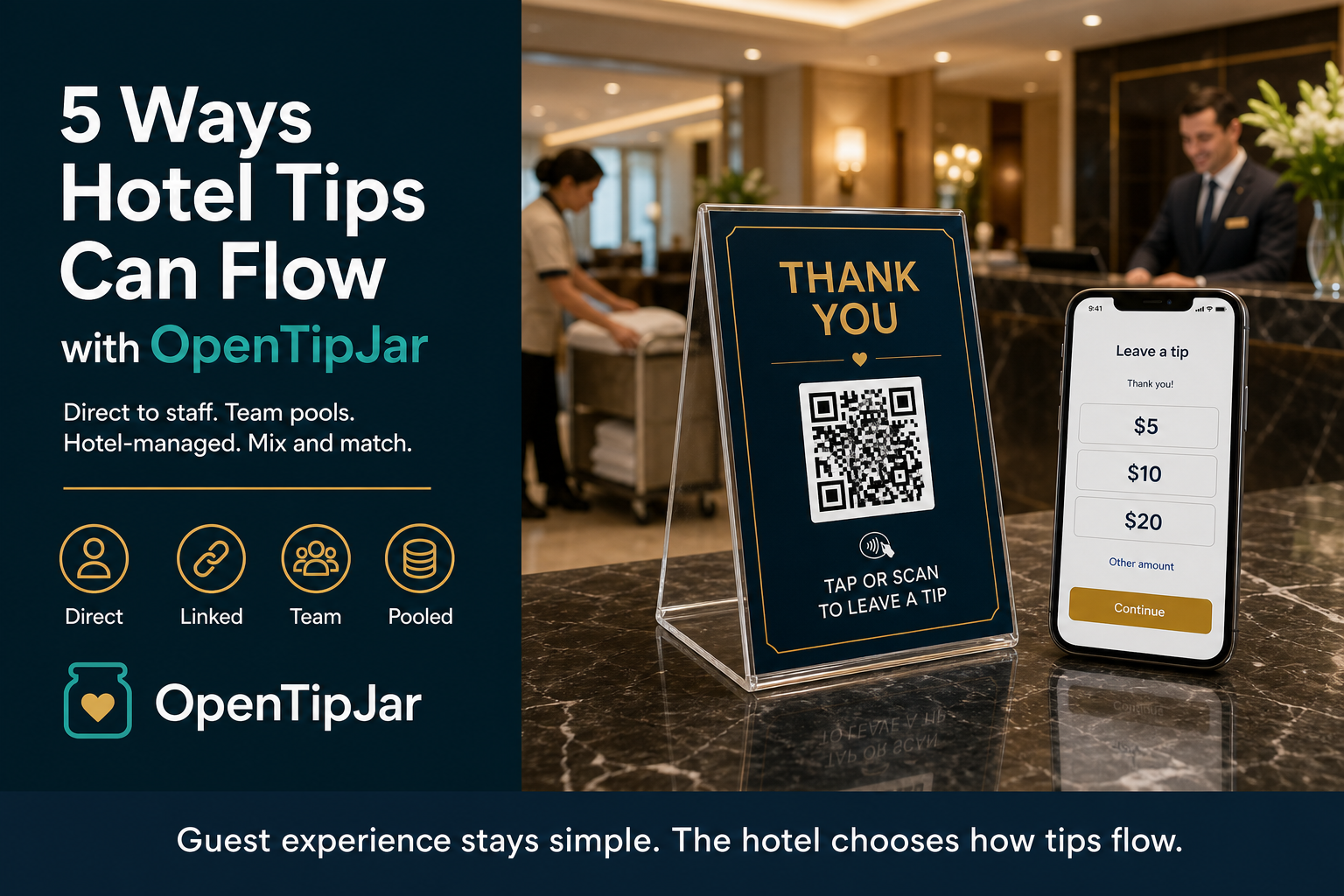
Digital tipping at a hotel sounds simple.
A guest scans a QR code or taps their phone, chooses an amount, and leaves a tip.
But behind that simple interaction is an important question:
Who exactly is the guest tipping, and where does that money go?
Is the guest thanking the specific housekeeper who cleaned their room? The entire housekeeping department? The breakfast team? Everyone working at the hotel?
And how much involvement does the hotel want in collecting, tracking, or distributing those tips?
There isn't one answer that works for every property.
A small independent hotel may want employees to receive tips directly. A larger property may already have an established tip pool. A hotel management group may want employees to maintain their own OpenTipJar accounts while still giving management visibility into tips generated through its properties.
That's why OpenTipJar doesn't force hotels into a single tipping model.
Instead, the platform can be configured around the way the hotel and its employees actually work.
Here are five ways that can happen.
The Five Models at a Glance
| Model | How the tip flows | Often used when |
|---|---|---|
| Direct to employee | Guest → employee's OpenTipJar account | Staff should receive tips personally |
| Hotel employee location | Guest → hotel location → linked employee account | The hotel needs reporting without owning the tip |
| Team or department | Guest → team location → participating employees | Guests want to thank an entire crew |
| Hotel-managed distribution | Guest → hotel/team account → hotel distribution | The property already pools and distributes tips |
| Mix the models | Different flows by department | Teams operate differently across the property |
1. The Guest Tips an Employee Directly
Imagine a fictional room attendant named Sarah.
Sarah has her own OpenTipJar account and her own QR code. After cleaning a guest's room, she leaves a professionally branded card containing her OpenTipJar QR code.
Flow
Guest → Sarah's OpenTipJar Account → Sarah
This model minimizes guest friction. The guest sees Sarah's card, taps or scans it, and leaves a tip.
2. The Hotel Creates an Employee Location and Links It to the Employee
Imagine another fictional housekeeper named Tanya.
Rather than using Tanya's personal QR code directly, the hotel creates an OpenTipJar Location named:
Tanya Southerland • Housekeeping
That hotel-owned location is linked—with Tanya's approval—to Tanya's independently owned OpenTipJar account.
Flow
Guest → Hotel Employee Location → Tanya's Linked OpenTipJar Account
Hotel Organization
The hotel creates employee locations for each department while employees maintain their own OpenTipJar accounts.
Permission-Based Linking
Employees explicitly approve the connection between their personal OpenTipJar account and the hotel's employee location.
Reporting Without Losing Privacy
This model allows the hotel to report on tips generated through its own locations without seeing an employee's unrelated OpenTipJar activity.
For a step-by-step housekeeping setup of this model—including Tip Visibility, Auto Share, and personalized room cards—see How to Set Up Employee-Linked Digital Tipping for Hotel Housekeepers.
For example:
- Hotel-generated tips through Tanya's location: $325
- Other personal OpenTipJar tips: $200
The hotel reports only on the $325 generated through its own location metadata.
This provides operational reporting while preserving employee privacy.
3. Team or Department Tipping
Sometimes guests want to thank an entire team.
Examples include:
- Breakfast
- Front Desk
- Bell Staff
- Valet
- Concierge
- Restaurant
- Housekeeping Teams
Flow
Guest → Team Location → Participating Employees
This is a natural fit when the guest is thanking a crew rather than one person—and when the hotel already shares tips with staff from a department pool.
4. Hotel-Managed Distribution
Some hotels already have established tip pooling and distribution policies.
OpenTipJar can simply identify where each tip originated.
Flow
Guest → Hotel / Team Account → Hotel Distribution Process → Employees
Location metadata may include:
- Room numbers
- Buildings
- Departments
- Amenities
- Multiple properties
That attribution is especially useful for multi-property hotel groups that already have a written tip-share cadence and want digital tips to follow the same policy as cash.
5. Mix the Models
Many hotels will use multiple models simultaneously.
Example:
- Housekeeping: Hotel-created employee locations linked to employees
- Breakfast: Department team
- Front Desk: Hotel-managed distribution
Each department can use the workflow that best matches how that team operates.
Follow the Tip
The important question isn't simply whether a hotel accepts digital tips.
The important question is:
Where does the guest's money go?
Different configurations create different operational workflows even though the guest experience remains nearly identical.
Reporting and Employee Privacy
The linked-location model allows the hotel to understand tipping activity generated through its own guests while preserving employee privacy.
The hotel can report on activity associated with its locations.
It cannot see unrelated OpenTipJar transactions that occur outside the hotel's program.
Choosing the Right Model
Questions to consider:
- Does the guest know who they're tipping?
- Does the hotel already pool tips?
- Should employees own their own OpenTipJar accounts?
- Does management need reporting by employee or location?
- Should different departments use different approaches?
Keep the Guest Experience Simple
Regardless of the model:
- See who you want to thank.
- Tap or scan.
- Choose an amount.
- Pay.
The operational complexity belongs behind the scenes.
Technology Should Adapt to the Hotel
Every property operates differently.
OpenTipJar is designed to adapt to existing hotel operations instead of forcing hotels into a single digital tipping workflow.
Frequently Asked Questions
Can hotels mix different OpenTipJar tipping models?
Yes. Many hotels use multiple models at once. Housekeeping might use hotel-created employee locations linked to staff accounts, breakfast might use a department team location, and the front desk might use hotel-managed distribution.
Can hotel employees keep their own OpenTipJar accounts?
Yes. Employees can receive tips in independently owned OpenTipJar accounts. In the linked-location model, the hotel creates an employee location and the employee explicitly approves connecting it to their personal account.
Can a hotel see all of an employee's OpenTipJar tips?
No. The linked-location model lets the hotel report on tips generated through its own locations. It cannot see unrelated OpenTipJar transactions that occur outside the hotel's program.
Does the guest experience change depending on how the hotel routes tips?
No. Across models, the guest experience stays nearly identical: see who you want to thank, tap or scan, choose an amount, and pay. The operational complexity stays behind the scenes.
Does OpenTipJar decide a hotel's payroll, tax, or tip-pooling policy?
No. OpenTipJar provides attribution, location metadata, reporting, and transparency about how tips move through the platform. Hotels should work with qualified payroll, accounting, tax, and legal professionals to determine the appropriate treatment for their organization.
A Note About Payroll, Tax, and Compliance
The movement of funds through OpenTipJar is only one part of determining payroll, tax, wage-and-hour, and information-reporting obligations.
Hotels should work with qualified payroll, accounting, tax, and legal professionals to determine the appropriate treatment for their organization.
OpenTipJar's role is to provide accurate attribution, location metadata, reporting, and transparency regarding how tips move through the platform.
Ready to choose a tipping model for your hotel?
Create an OpenTipJar account and set up the flow that matches how your teams already work—direct to staff, linked locations, department pools, or a mix.
Questions about hotel setup? support@opentipjar.com
Related Articles
- How to Set Up Employee-Linked Digital Tipping for Hotel Housekeepers
- How a Hotel Management Group Sets Up OpenTipJar Across Multiple Properties
- Sharing Tips Using OpenTipJar
- How to Track Tips and Donations by Location with OpenTipJar
- Digital Tip Pooling for Hotel Staff Morale
- Cashless Tipping for Hotels, Vacation Rentals, and Inns