OpenTipJar Blog • Guide
How to Accept Tips Without a POS System (Simple Digital Tip Jar Guide)
By OpenTipJar •
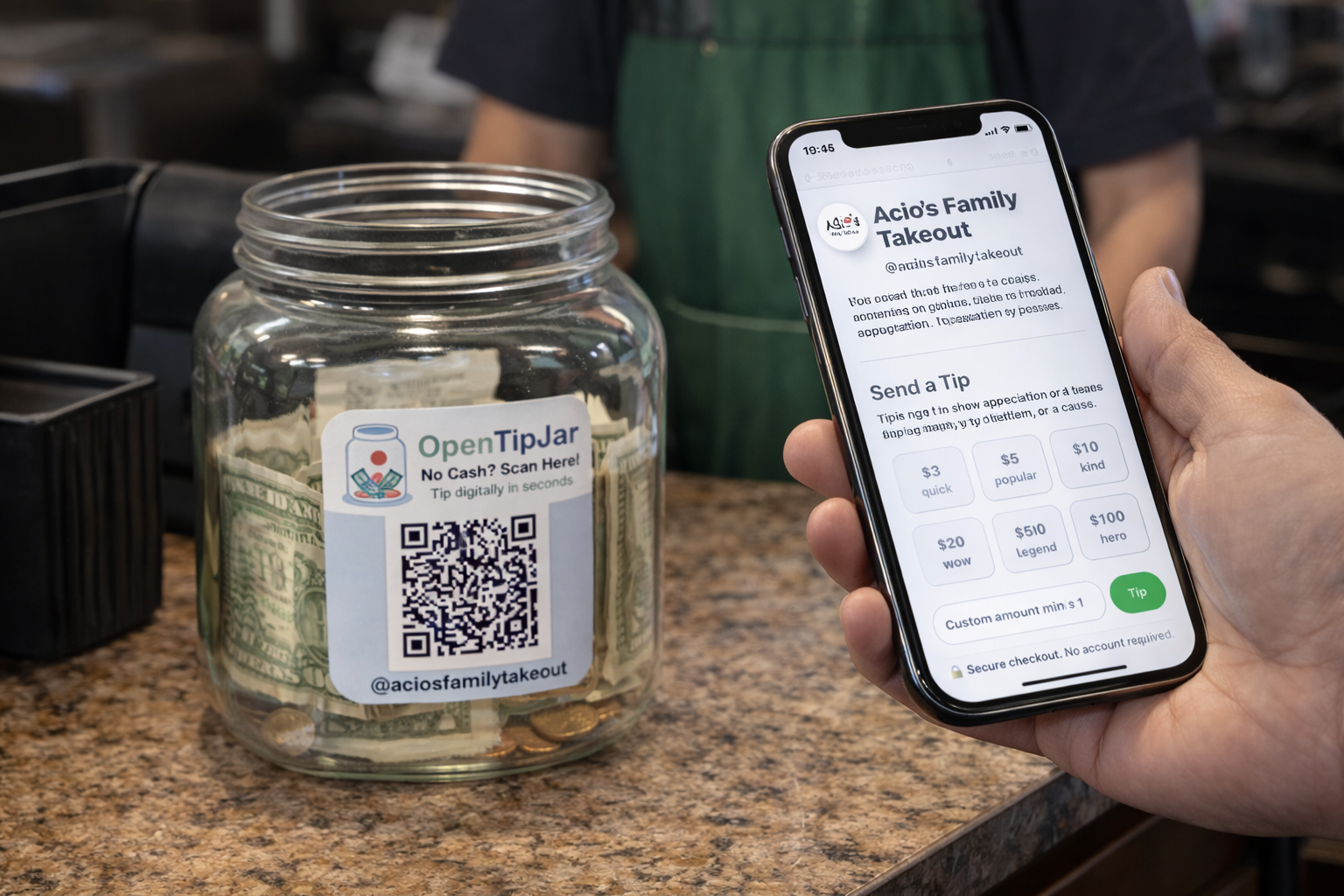
Most customers who want to tip you won't—not because they're unwilling, but because you haven't given them an easy way to do it.
Cash tip jars made sense a decade ago. Today, most people leave the house without cash. If your only tipping option is a jar on the counter, you're losing tips every single day from customers who would happily support you if the option were frictionless.
The solution isn't a new POS system. It's simpler than that.
Why POS-Based Tipping Isn't Always the Answer
Many small businesses assume tipping requires a point-of-sale setup—but POS tipping comes with real tradeoffs. It requires hardware, setup time, and ongoing costs. It's tied to transactions, meaning customers can only tip at checkout. And the prompt-heavy screens (20% / 25% / 30%?) can feel pushy in casual service contexts, creating awkward moments rather than genuine appreciation.
For coffee shops, food trucks, mobile vendors, hair stylists, and hospitality teams, that level of complexity just doesn't fit how they actually operate.
The Simpler Alternative: A Digital Tip Jar
A digital tip jar gives customers a direct way to tip you from their phone—no POS system, no hardware, no app download required.
You create a tip page, share a link or QR code, and customers can tip you in seconds using Apple Pay, Google Pay, or a card. That's the entire workflow.
With a platform like OpenTipJar, you can be set up and be accepting tips in under five minutes.
What the Experience Looks Like
For you
Create your tip page once, then display your QR code or share your link wherever customers find you—a countertop sign, a receipt, a business card, your Instagram bio, or a link-in-bio page.
For your customer
They scan or tap, choose a tip amount, and pay. No account creation. No app. The whole thing takes under 10 seconds.
Why This Often Leads to More Tips
Digital tip jars remove the friction that stops tipping from happening in the first place. Customers who don't carry cash can still tip. Customers who feel uncomfortable with checkout prompts can tip on their own terms, in their own time. And customers who think of you later—after a great haircut or a standout coffee—can still act on that impulse.
That combination of accessibility and low pressure tends to result in more tips, not fewer.
Who It's Built For
If you run a business where tipping is natural but a full POS setup feels like overkill, a digital tip jar fits the gap perfectly. It's particularly well-suited for:
- Independent cafés and coffee carts
- Hair stylists, barbers, and nail techs
- Food trucks and market vendors
- Hospitality and event staff
- Freelancers and mobile service providers
- Community fundraisers and local teams
Get Started in Minutes
OpenTipJar is free to set up and takes less than five minutes. No monthly fee — just 5% + $0.40 per tip when you receive one. No hardware to buy, no software to install, and your customers won't need to download a thing.
Set up your free tip page at opentipjar.com.
Frequently Asked Questions
Do I need a POS system to accept tips?
No. A digital tip jar works completely independently of any POS system.
Do customers need to download an app?
No. Everything works directly in their browser. Apple Pay, Google Pay, and card payments are all supported.
Can I use this alongside my existing POS?
Yes. Many businesses use a digital tip jar as a standalone option—on signage, social media, or packaging—separately from their checkout flow.
How long does setup take?
Most users are live in under five minutes. For a step-by-step walkthrough, watch How to Set Up a Digital Tip Jar in Under 5 Minutes (OpenTipJar Tutorial) on YouTube.
Create your free tip page—no POS required
Share a link or QR code so customers can tip from their phone in seconds.